What is the Fake Facebook Video Call Generator?
The Fake Facebook Video Call Generator by FakeDetail is a robust, free online tool that enables you to design highly realistic, custom screenshots of Facebook Messenger video calls. Whether you want to pull a clever prank on your friends, create a viral meme, or generate high-quality visual assets for a marketing campaign, this tool gives you complete creative freedom without actually needing to make a video call.
Our generator meticulously recreates the sleek, recognizable UI of a Facebook video call. It accurately simulates the floating picture-in-picture (PiP) window, the distinct transparent overlay buttons (like the microphone, camera flip, and red end-call button), and the top status bar, ensuring your final screenshot looks incredibly authentic.
Key Features
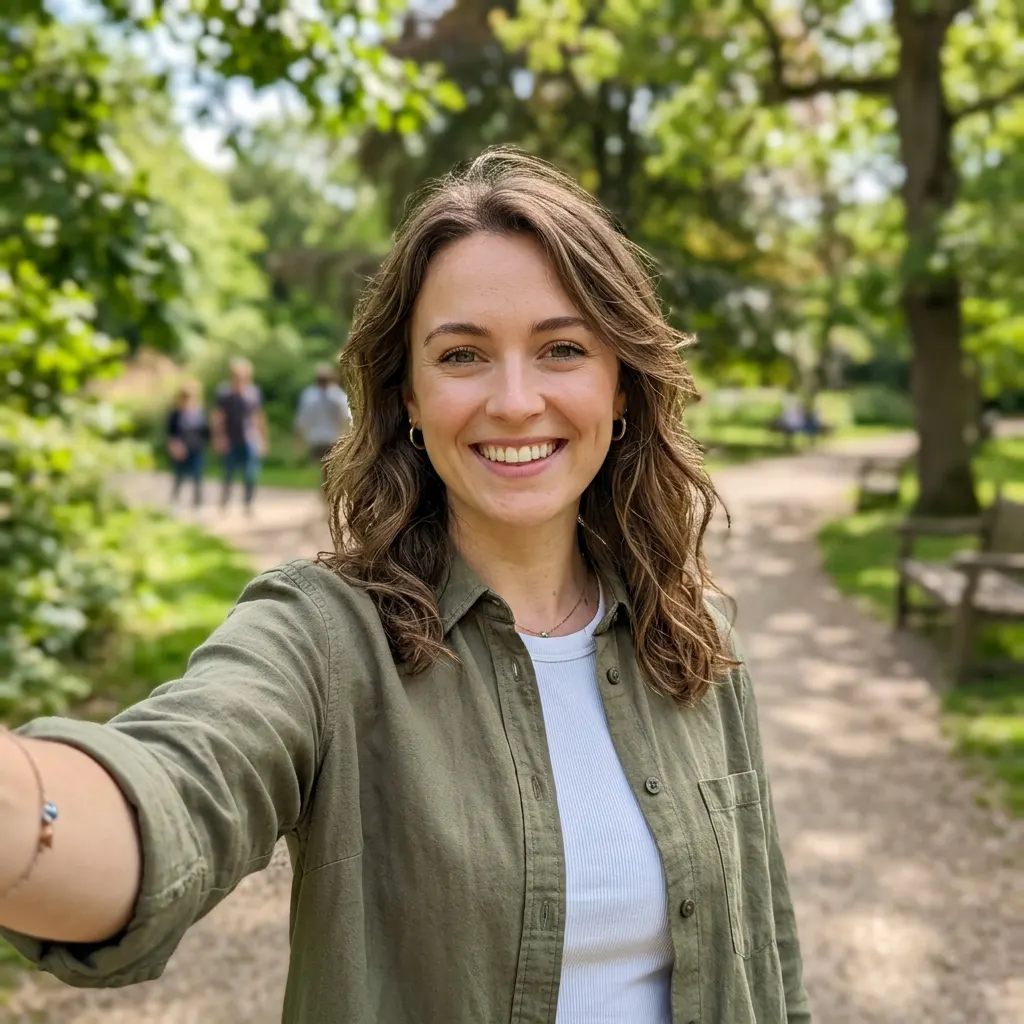
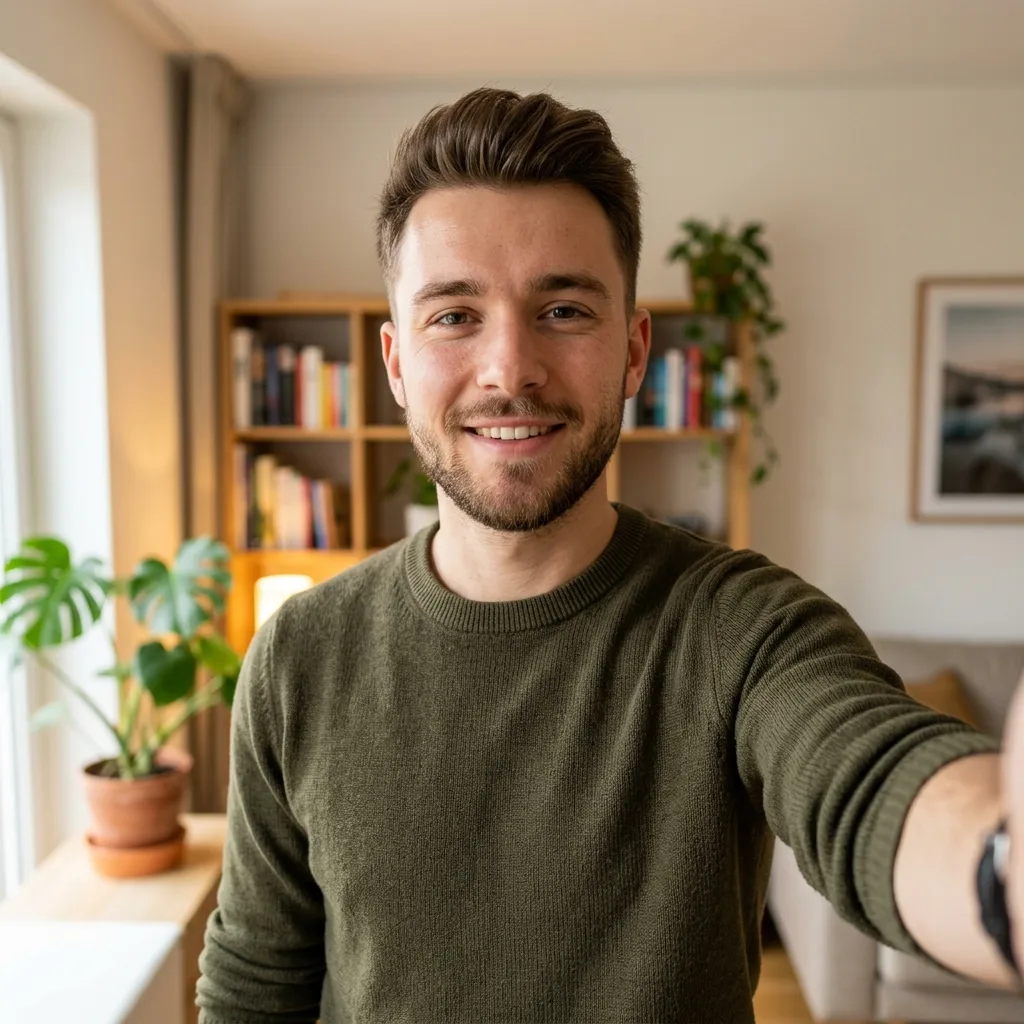
- Custom Dual Imagery: Upload any image to serve as the main background (the person you are "calling") and a second image for the small picture-in-picture (PiP) window (usually your face).
- Authentic Call UI Overlay: The mockup features exact replicas of Facebook's video call controls, complete with the signature translucent button backgrounds and crisp icons.
- Adjustable Phone Status: Modify the system time and battery percentage in the top status bar to ensure your screenshot fits the exact timeline of your narrative.
- Instant Live Preview: See your image uploads and system setting changes update in real-time within the high-quality mockup preview panel.
- Watermark-Free Export: Download your finished creation instantly as a sharp, high-resolution PNG image with absolutely no watermarks.
How to Create a Fake FB Video Call
Generating your custom video call screenshot is fast and straightforward. Just follow these steps:
- Configure System Settings: In the Config panel, set the System Time (e.g., "10:04") and adjust the Battery percentage so the top status bar looks natural.
- Upload Main Background: Click on "Main Background Image" to upload a photo of the person you want to pretend to be talking to. This image will fill the entire screen.
- Upload Your PiP Image: Click "Small PiP Image (Your Face)" to upload a picture of yourself (or anyone else). This will appear in the floating rectangular box.
- Review the Mockup: Check the live preview on the right side of the screen to ensure the images are positioned correctly and the UI looks authentic.
- Download Your Screenshot: Once you are satisfied with the result, click the "Download Image" button to save the high-quality screenshot directly to your device.
Top Use Cases
- Harmless Pranks: Convince your friends or family that you were on a private, late-night video call with their favorite celebrity, athlete, or influencer.
- Meme & Content Creation: Generate funny visual narratives for social media platforms like TikTok, Twitter, or Instagram by putting unexpected characters into a video call setting.
- Marketing Mockups: Digital agencies can use fake video calls to create engaging promotional content or visual stories showing a "consultation" or "meeting."
Frequently Asked Questions (FAQs)
Can I use this tool on my mobile phone?Yes! FakeDetail is fully responsive. You can easily access the tool from your mobile browser, upload images directly from your camera roll, and download the screenshot to your phone.
Does this tool actually access my camera?No, this tool does not access your camera or make any real video calls. It is simply a photo-editing utility that generates a static PNG screenshot that looks like a real call.
Are the images I upload private?Absolutely. We value your privacy. All image processing happens locally within your web browser, and no files are ever uploaded to or stored on our servers.